
WordPress's native Export/Import vs PostDeploy: why images, ACF fields, and Elementor designs don't survive the built-in tool
WordPress has had a built-in way to move content between sites since before ACF, Elementor, or page builders existed at all: Tools → Export produces an XML file, and Tools → Import (via the WordPress Importer plugin) reads it back in on the other site. It's free, it's already there, and for a lot of people it's the first thing they reach for when they need to get a post from one site onto another. It's also built around a much simpler idea of what a WordPress post is than what most real sites store today.
What Export/Import actually does
The export format is WXR — WordPress eXtended RSS, an XML dialect built on top of RSS. Tools → Export walks your posts, pages, comments, categories, tags, and custom fields and writes them into that file, as close to verbatim as the format allows. Tools → Import reads it back in, recreates each post, and — if you tick "Download and import file attachments" — tries to fetch images referenced in the export from the original site and bring them into the new site's media library too.
That's a genuinely useful, well-understood tool for what it's built around: generic WordPress content — titles, body text, taxonomy — moving between two installs, or a full platform migration where you're bringing an entire site's history across at once. It predates page builders and structured custom fields, and it was never redesigned around them.
Where that shows up as missing images and broken designs
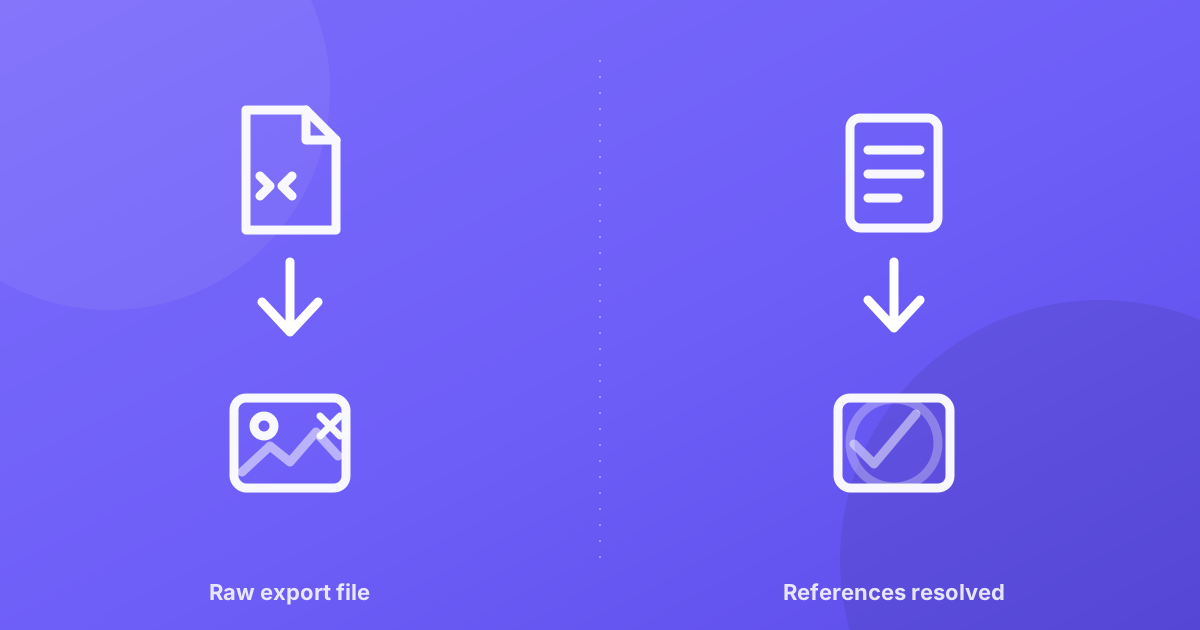
A WordPress post doesn't store "this image" — it stores an attachment ID, a plain number that means something only inside the database that assigned it. The importer knows about exactly one relationship built on top of that: the featured image. It doesn't know anything about your plugins' own data, because it can't — ACF stores an image, gallery, or relationship field's value as just another number (or array of numbers) inside a serialized custom field; Elementor stores an entire page's design, including every image and internal link inside it, as one large JSON blob in a single custom field called _elementor_data. To the generic importer, both of those are just opaque serialized text it copies across unchanged — it has no way to know that somewhere inside that blob is a number that's supposed to mean "this specific picture," let alone rewrite it to point at whatever new ID that picture gets assigned on the destination site.
So the import can succeed — the post arrives, the title is right, the text reads correctly — while the ACF field that pointed at a product photo now points at nothing, and the Elementor page that used to be a laid-out design falls back to Elementor's plain-text rendering, because the one large blob that described its entire layout still references attachment IDs, internal post links, and sometimes template assignments that only existed on the site it came from.
What PostDeploy does instead
PostDeploy connects two live WordPress sites directly and, on import, resolves references instead of just copying the bytes that represent them: an ACF image, gallery, relationship, or post-object field gets matched to its real equivalent on the destination (or the file gets found or uploaded first, if it isn't there yet); an Elementor page's internal _elementor_data is parsed and every image and internal link inside it is rewritten to the destination's own IDs, not copied as-is; a WPML translation is linked into the correct translation group on the other side. Because it's connecting two sites that are both already live — not exporting to a static file in between — it also does the two things a generic file-based import has no way to offer: conflict detection (warns you if the destination post changed since the last push, instead of silently overwriting it) and rollback (undo the push, or restore an earlier snapshot of that exact post).
Which one you actually want
If you're moving a whole site's history to a new host, consolidating two blogs, or migrating plain posts and pages with no page builder and no custom fields that reference anything, Tools → Export/Import does that job — it's free, and it's built for exactly that. If the content you're moving has ACF fields, an Elementor design, images, or WPML translations, and you need it to arrive looking and working the way it did on the source site, that's a different job — matching references instead of copying raw IDs — and it's the one PostDeploy is built around.
Try it
PostDeploy Free moves Posts, Pages, and custom post types between unlimited connections. PostDeploy Pro adds the ACF/Elementor/WPML reference resolution, conflict detection, and rollback described above.